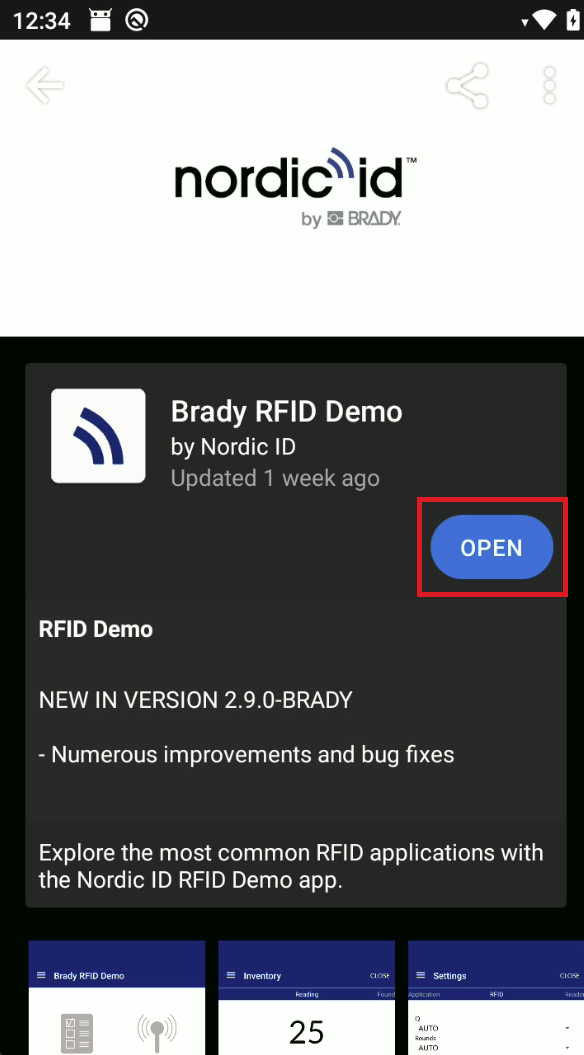
First, make sure that the device is updated to the latest version:
Settings > System > About phone > Advanced > Additional system updates > Refresh > Download
And connected to internet:
Settings > Netwrok & internet
Then launch App Center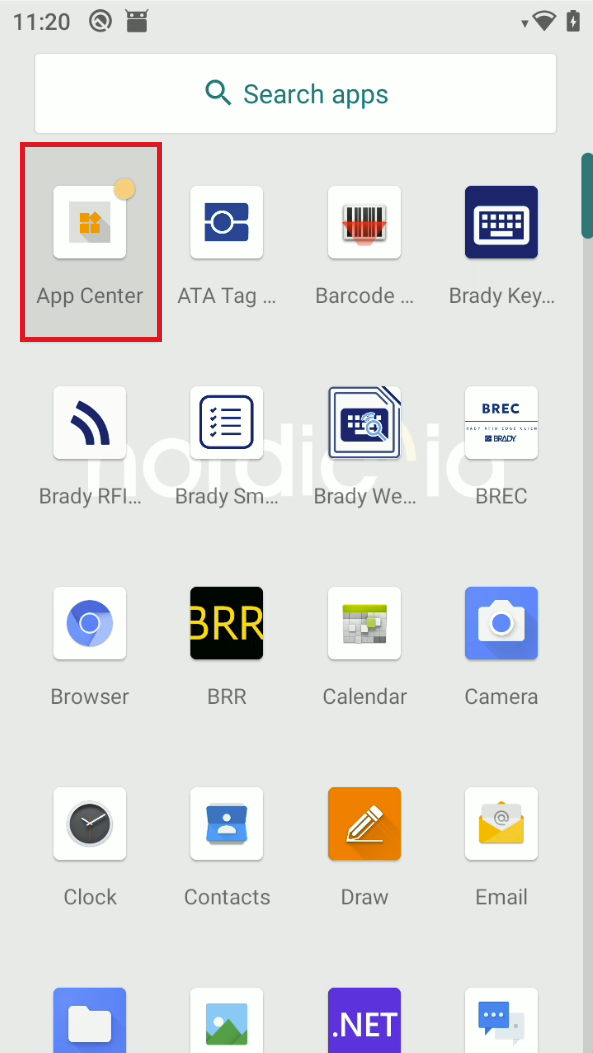
Select settings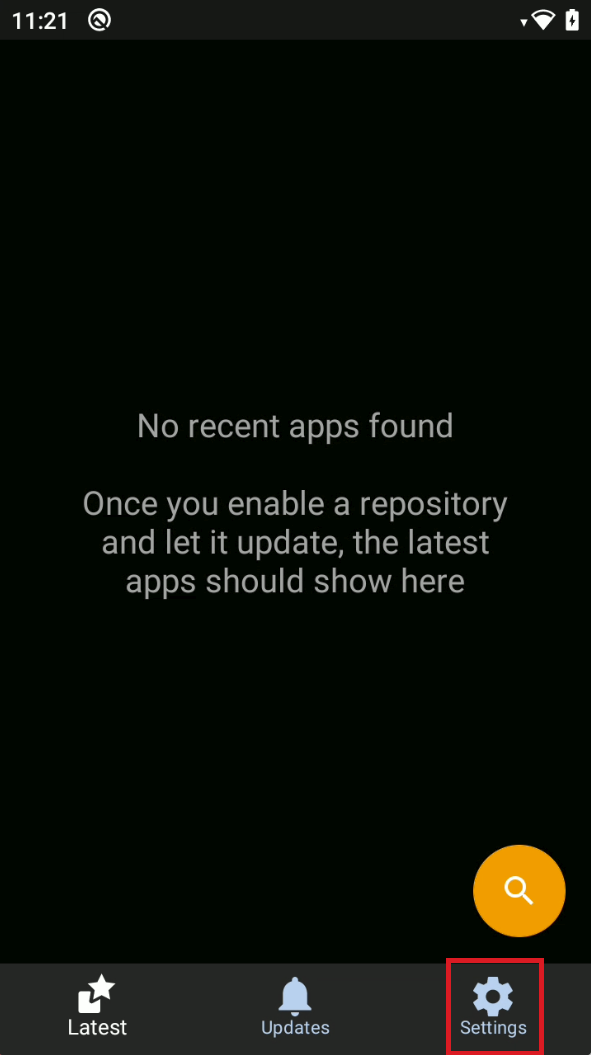
Select Repositories
Make sure that Nordic ID app center is enabled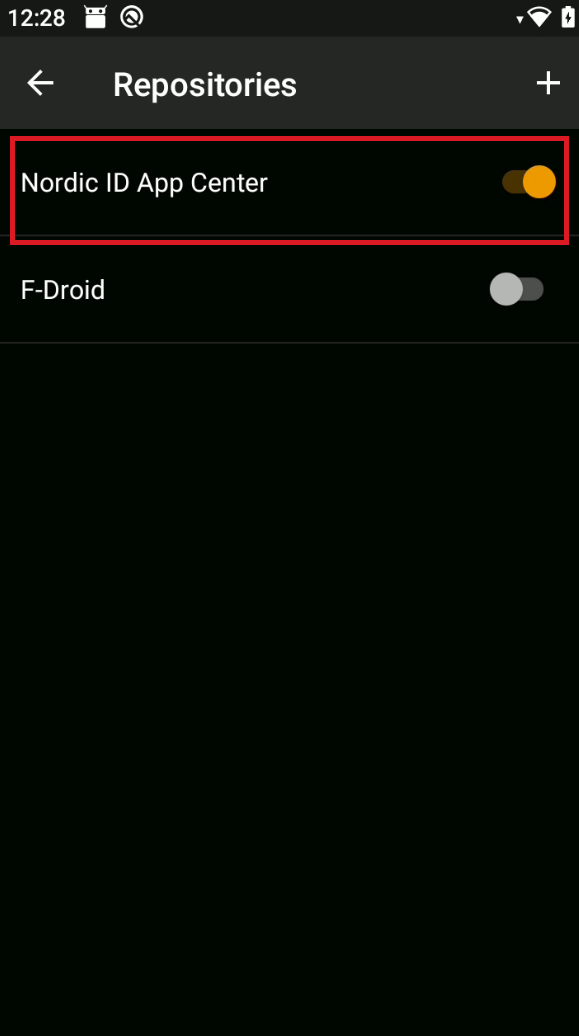
Go back to home page
Refresh the page by swiping your finger from top to bottom or click on the magnifying glass and search for Brady RFID Demo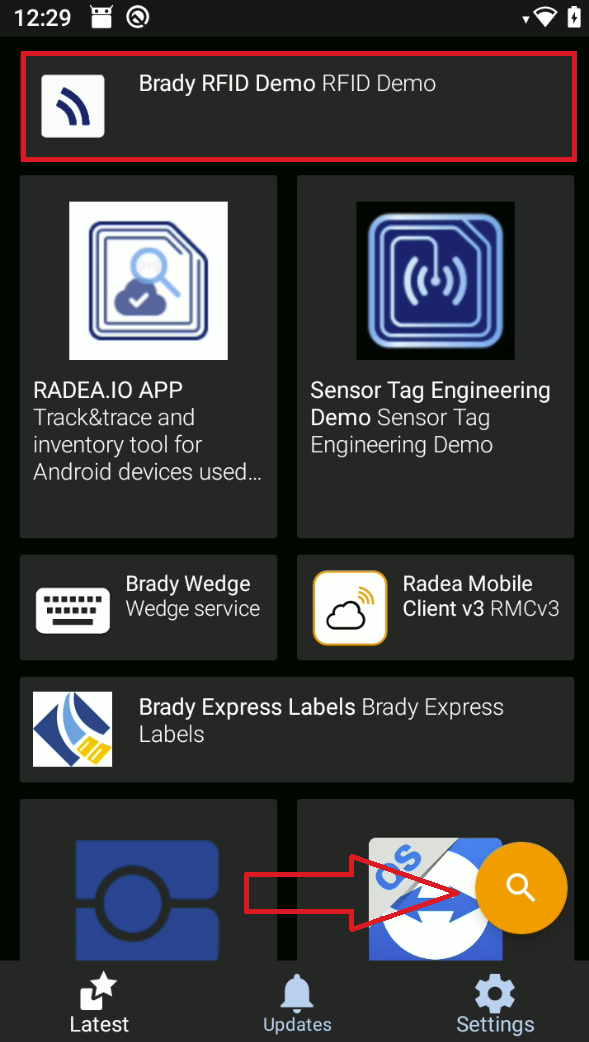
Install
Click install
(install button is where the "open" is in image)