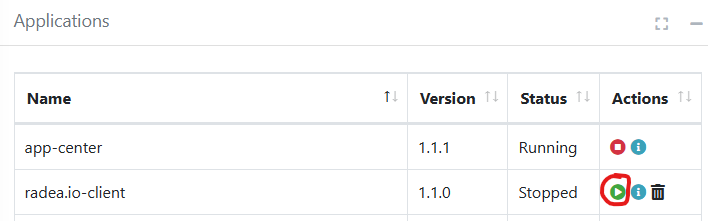
radea.io-client app is required for the smart reader to interact with the Radea.IO system
Instruct video on how to configure the fixed reader for the Radea.IO
Installing latest radea.io-client app on the smart RFID reader
1. Open the Web configuration page from the reader.
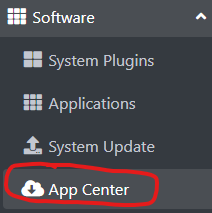
2. Select Software -- AppCenter
Choose latest version and press Install
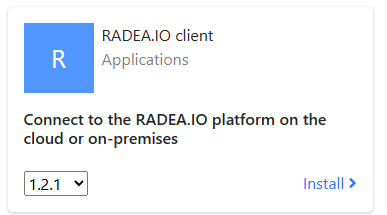
Wait until installed.
Goto Software -- Applications and Make sure app running
Updating latest radea.io-client app on the smart RFID reader
1. Open the Web configuration page from the reader.
2. Select Software -- Applications
3. Make sure radea.io-client is Stopped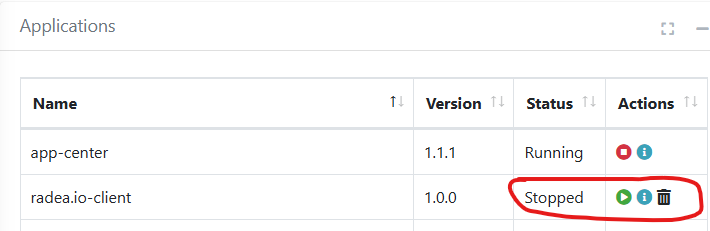
4. Goto Software --> App Center
5. Select latest version and Install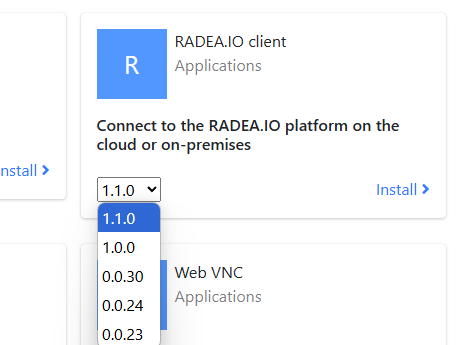
6. Wait until installed
7. Goto Software --> Applications
8. Run radea.io-client